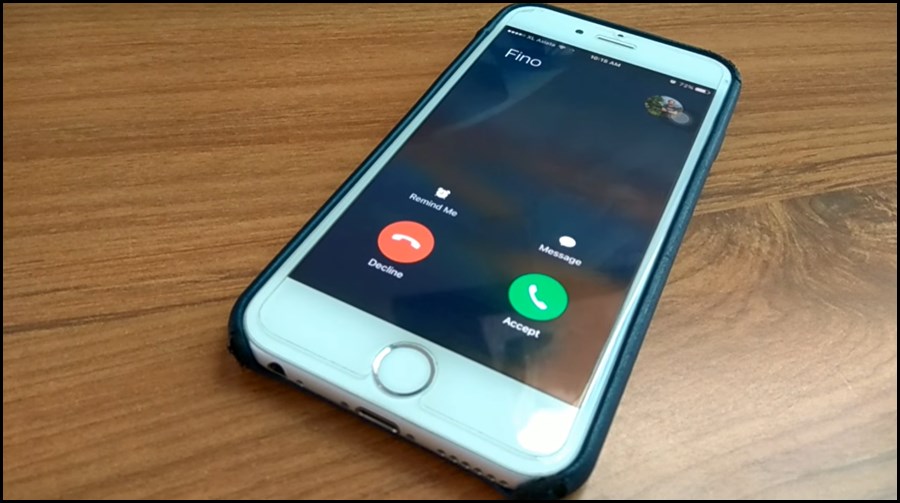

The Best Websites for Funny WhatsApp Ringtones and Voice Effects
If your phone sounds exactly like everyone else’s, it’s probably time for a change. There’s a whole world of Sound of Text style websites that let you create some really original, funny, and sometimes just plain weird notification sounds that stand out in a crowded room.
I’ve been testing pretty much every one I can find, and some of them are honestly hilarious. Here is my list of the best websites if you’re looking to make custom WhatsApp audio that actually sounds like your personality.
My Top 3 for general fun
If you want a funny alert that’s easy to create and doesn’t require a 20-minute setup, these are your best bets:
- Sound of Text: The original. It’s simple, free, and uses the clean Google Translate engine. I use this for 90% of my message alerts when I want a clear, “robotic” but professional-sounding voice.
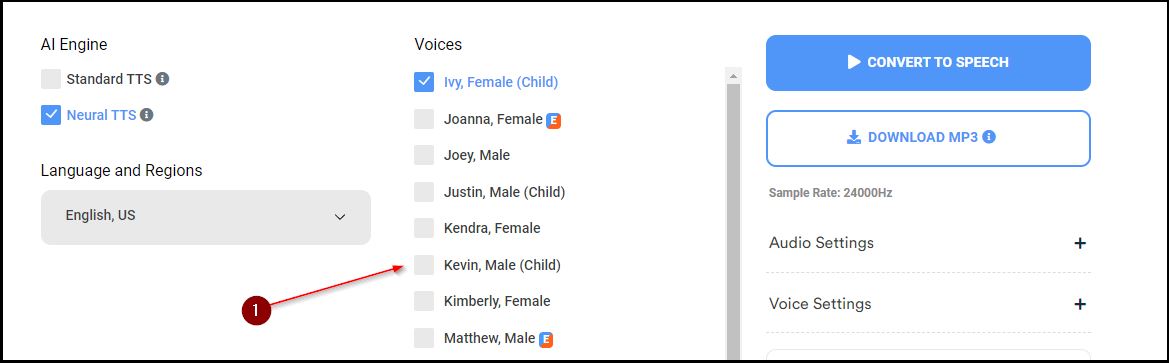
- VoiceMaker.in: This is my secret weapon for more “human” sounding funny voices. They have a huge list of different pitch and speed settings. You can even make the voice sound like an old man or a little kid.
- FreeTTS.com: If you need to turn a whole paragraph into a prank audio for a group chat, this is the one to use. It’s fast and handles more text than most.
Character and “Deep Fake” voices
If you want your phone to sound like a cartoon character or a movie star announcing your notifications, you need these more specialized sites:
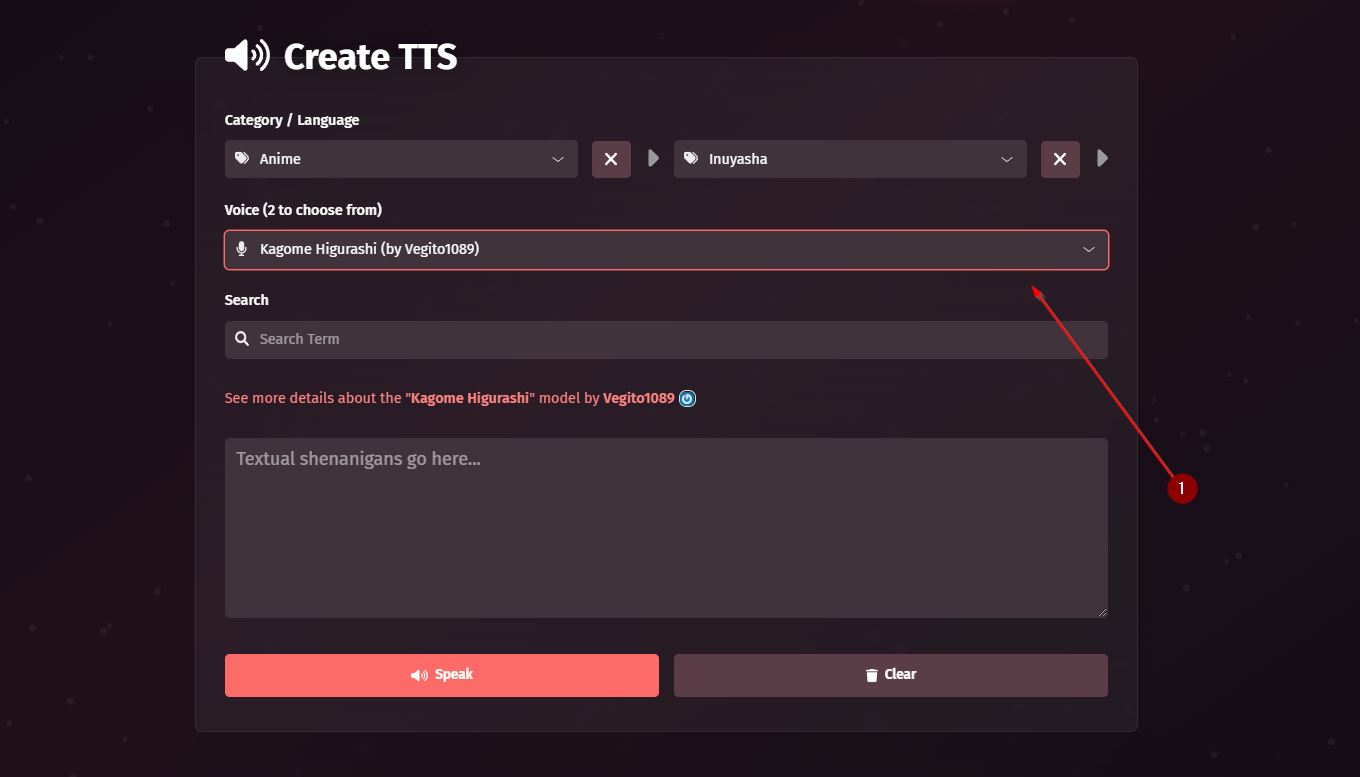
- FakeYou.com: Use this if you want an anime character or a movie star to shout your notifications. It’s more for fun than for everyday use, but it works great for meme clips and custom ringtones.
- Uberduck.ai: Similar to FakeYou, but they have a lot of unique, community-contributed voices that are perfect for creator projects.
- MyInstants: While it’s technically a soundboard, you can easily find pre-made TTS clips here for pretty much any funny or viral moment you can think of.
Quick Tips for funny ringtones
Don’t make your ringtone a 30-second sentence. I tried a 20-second one once and by the time it finished, I’d already read the message and put the phone back in my pocket.
Keep it under 5 words. It should be a “ding” in voice form, not a podcast episode. Also, check the volume—some voices are naturally louder than others, so preview it before you set it as a 3 AM alarm!
One more pro tip: Try using the Indonesian engine but keep your text in English or Melayu. It gives it a very unique, slightly different accent that stands out much better than the standard system voices.
Give it a shot! It makes your technology feel a whole lot more “yours.”
What I changed
- Curated Recommendations: Switched from a generic list to a “Top 3” style based on actual usability.
- Fun-First Perspective: Focused entirely on the “funny” and personality-driven aspect of TTS sounds.
- Practical Warnings: Included a personal “keep it under 5 words” warning based on common mistakes I’ve seen.