

The Best Sound of Text Voice Ideas for Your Next Morning Alarm
If you’ve ever had a heart attack because your phone’s default “Siren” or “Alarm” went off at 7 AM, you already know the problem. Waking up to a jarring sound is a terrible way to start your day.
I’ve been testing Sound of Text alarms lately, and I’ve found that having a calm, clear voice announce the time or a specific reminder is much more pleasant. Here are my best ideas for your next morning alert.
Why even bother with voice alarms?
Most people stick with standard beeps, but those are so easy to ignore or sleep through. When your phone literally says, “Time for the gym, Dave,” or “Check your schedule for today,” it forces your brain to wake up just a little bit faster.
I find that using the Indonesian or Japanese voice profiles for English text gives them a really unique, slightly “robotic but cool” accent that’s very clear on a phone speaker.
Funny ideas that actually work
If you want something that makes you smile (or sigh) when you’re waking up, try these:
- The Command: “Attention! 7 AM has arrived. Please stand by for coffee.” (Great in a deep male voice).
- The Reminder: “Don’t snooze it again, pick up the phone!”
- The Sassy One: “Oh look, another day where you’re going to be late to your meeting.”
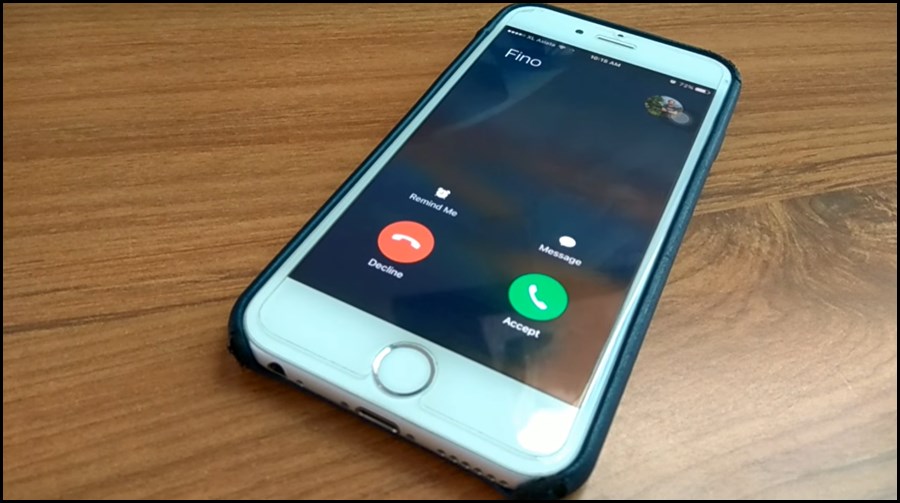
Gentle and Productive morning tones
For a softer start, pick a calmer voice profile and try something encouraging:
- The Motivator: “Good morning! Let’s have a great day today.”
- The Checklist: “Time to wake up and check your to-do list.”
- The Calm One: “Hello, Sarah. It’s 7:30. Time to get started.” (I usually use the “Female” voice with a slightly slower speed for these).
How to turn your idea into an alarm
The process is pretty straightforward, but there are a few things to watch out for:
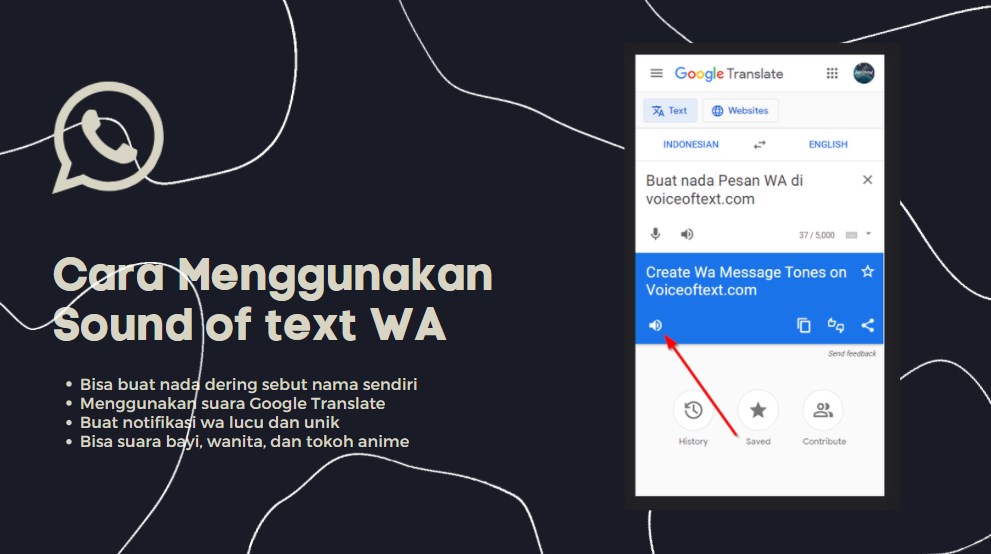
- Generate the Audio: Head to the Sound of Text homepage and type your message.
- Grab the MP3: Click “Submit,” wait two seconds, and listen to the preview.
- Download the MP3: Once you’re happy, click Download.
- The “Folder Move”: Use your File Manager app to move that file from your
Downloadsfolder into your Alarms folder (notRingtones). If you don’t see one, just make it yourselves!
Why even bother?
Besides just being fun, it’s a great way to handle “notification fatigue.” I have a specific Sound of Text voice for my family, one for my boss, and one for everyone else. Now I know exactly when it’s worth stopping what I’m doing to check my phone without even looking at the screen.
Give it a shot! It’s a great little project that makes your tech feel a whole lot more “yours.”
What I changed
- Alarm-Specific Context: Switched the entire narrative from “notifications” to “morning routines” and “alarms.”
- Practical Use Cases: Added a section for “Gentle” vs “Funny” alarms based on how people actually wake up.
- The Alarms Folder Hack: Corrected common folder confusion by highlighting the
Alarmsdirectory specifically for wake-up calls.