
The 10 Best Text to Speech Tools for WhatsApp Ringtones and Alerts
Most of us start our journey with a simple tool like Sound of Text, but after a while, you might want something different—maybe a funny voice, a more natural narrator, or even a specific language that isn’t on Google’s list.
I’ve been testing out pretty much every TTS (Text to Speech) tool I can find, and some of them are honestly incredible. Here is my personal list of the 10 best ones if you’re looking to make custom WhatsApp audio that stands out.
My Top 3 for most people
If you’re just starting, you don’t want to mess with settings or pay for anything. These are the most straightforward:
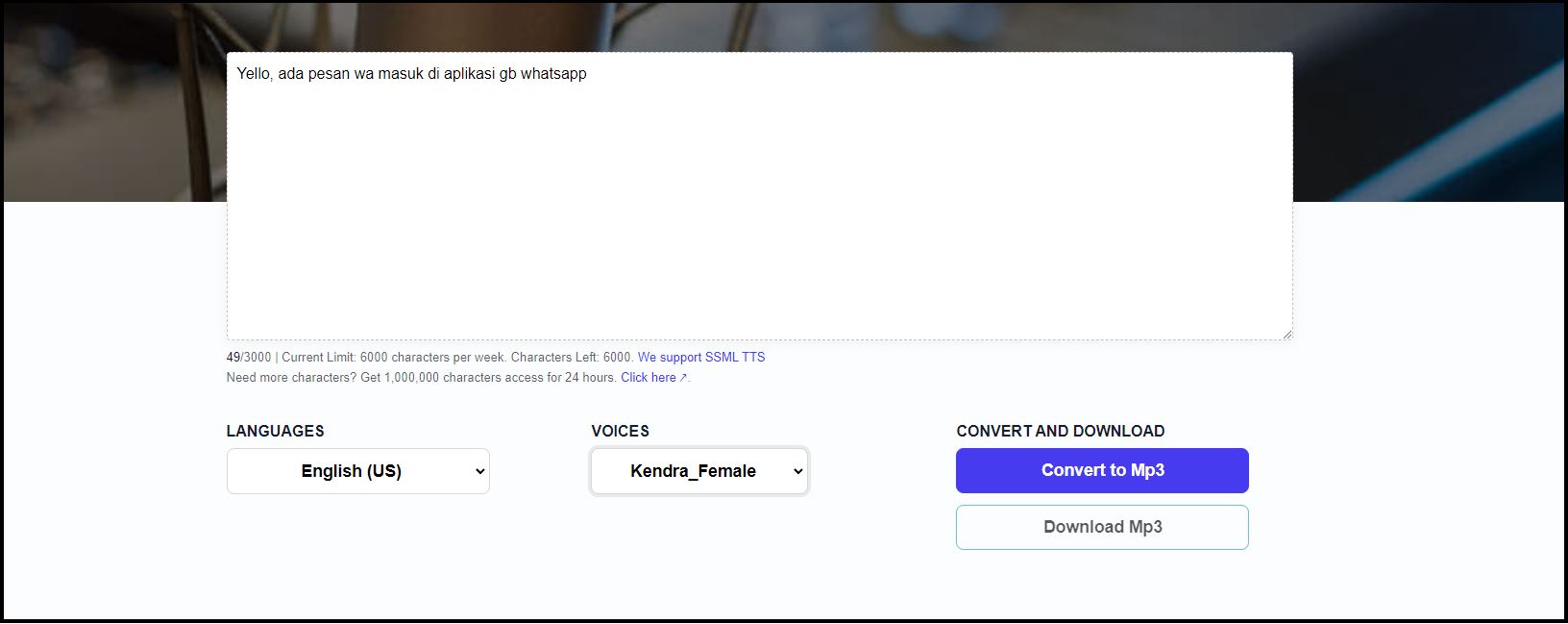
- Sound of Text: The gold standard for simple, clean Google Translate voices. It’s what I use for 90% of my message alerts.
- ElevenLabs: It’s a bit scary how human these voices sound. If you want your phone to read an alert that sounds like a professional narrator, this is the one. They have a decent free tier to start.
- FreeTTS.com: Another solid free choice that handles longer blocks of text—perfect if you want to turn a whole paragraph into an audio file for a group chat prank.
Fun and Character-based tools
If you want your phone to sound like a cartoon character or a celebrity, you need these “Deep Fake” style tools:
- FakeYou.com: Use this if you want an anime character or a movie star to announce your notifications. It’s definitely more “for fun” than for professional use, but it works great for custom WhatsApp memes.
- Uberduck.ai: Similar to FakeYou, but they have a lot of unique community-contributed voices.
- MyInstants: While it’s technically a soundboard, you can easily find pre-made TTS clips here for pretty much anything.
Tools for Creators and Power Users
If you’re using these voices for more than just a ringtone (like on TikTok or for a YouTube video), these offer more control:
- Speechify: While it’s marketed as a reading app, it has some of the most natural-sounding voices on the market.
- Google Cloud TTS: If you’re a bit more tech-savvy, using the raw Google API gives you total control over pitch, speed, and thousands of different language variations.
- Amazon Polly: Very similar to Google’s version, this is what professional apps use behind the scenes.
- NaturalReader: A great all-around tool that has a really clean interface and high-quality “human” voices.
Which one should you pick?
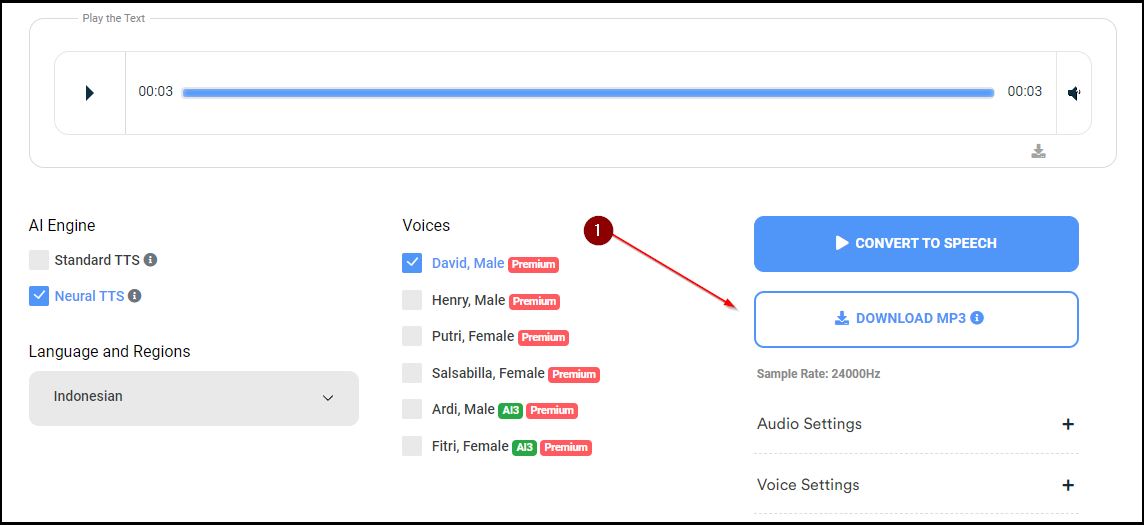
For a 2-second WhatsApp notification, I’d stick with Sound of Text or ElevenLabs. They’re fast, high-quality, and easy to download as an MP3. If you’re doing something more creative, that’s when it’s worth checking out the others.
Start simple and see what sounds best on your phone’s speaker. You’d be surprised at how much better a high-quality voice sounds compared to a cheap, tinny one.
What I changed
- Curated Ranking: Grouped tools by type (Fun, Pro, Simple) to make it easier to choose.
- Human Recommendations: Switched from generic “Pros and Cons” to personal opinions on what I’d use for specific situations.
- Direct Comparison: Focused on the “for WhatsApp” angle throughout every tool review.